






Refreshing a home office in autumn 2026 is a genuinely different exercise from the pandemic-era buying spree. Hybrid work is now a settled pattern for most UK office workers, tax breaks on home-office kit have quietly narrowed, and the flimsy IKEA folding desk that stood in during 2020 is now the aching lower back you cannot ignore. A £600 budget is enough to build a proper working setup that lasts five years, but only if you allocate carefully across desk, chair, ergonomic accessories, storage and peripherals. Overspend on the desk and you leave nothing for a decent chair; overspend on the chair and you end up typing on a laptop keyboard that ruins your wrists.
The four brands featured here cover the honest UK sweet spot for value at this budget. Wayfair for furniture (the sit-stand market on Wayfair now has genuine competitors to Fully and Flexispot at meaningfully lower prices), Halfords for ergonomic accessories (yes, Halfords, whose home-and-lifestyle range has quietly matured), Ace Hardware UK for storage and small-tool solutions that actually improve the room, and Logitech for the MX Master 3S and MX Keys combo that has become the default premium peripheral pair for hybrid workers. What follows is a room-scale £600 build with real allocations, not a shopping list of aspirational £2,000 gear.
The £600 Budget Allocation
Before naming products, the allocation matters more than the picks. Our recommended split for a fresh setup is: desk £180 (30 percent), chair £220 (37 percent), ergonomic accessories £70 (12 percent), peripherals £110 (18 percent), storage and tidy-up £20 (3 percent). This deliberately weights the chair heavier than the desk because the chair is where hours of pain get earned, and it deliberately weights peripherals modestly because the MX Master 3S alone at £90 covers most of the practical need.
If you already own a decent chair, reallocate £150 from chair to either desk (sit-stand upgrade) or peripherals (add MX Keys). If you already own a decent desk, reallocate the £180 to the chair (Herman Miller Sayl for around £600 secondhand becomes viable). The point of a budget is to spend it well, not to spend all of it on new things when existing kit works.
Wayfair Desks: The Sit-Stand Value Play
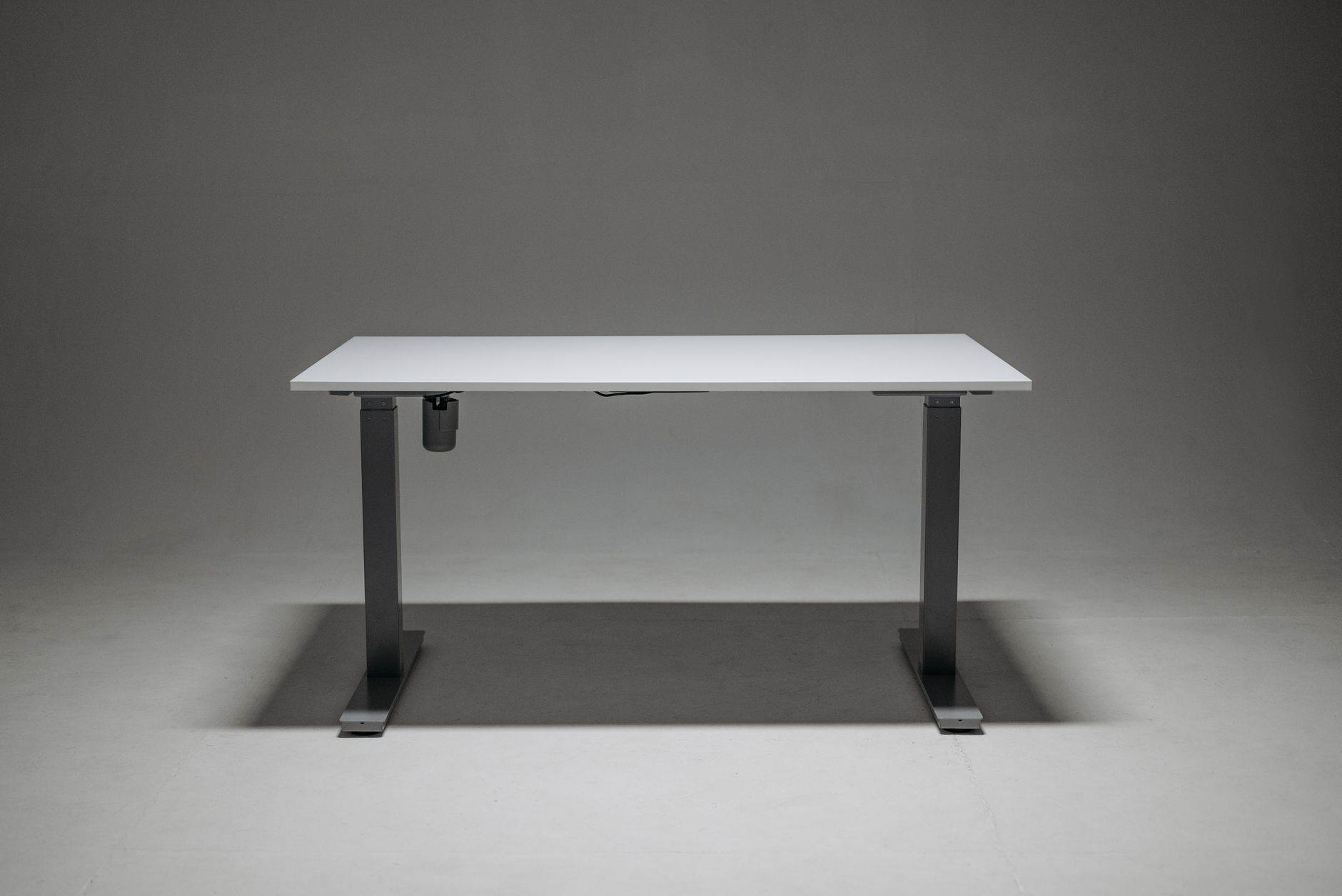
Wayfair's own-brand sit-stand desks under the "Symple Stuff" and "Corrigan Studio" labels have improved dramatically since 2023. A 120x60cm electric sit-stand desk in oak finish now sits at £179 on Wayfair UK, with a single motor, memory presets for two heights, and a weight capacity of 70kg. That is enough for a monitor, laptop, and reasonable amount of paper without motor strain. The motor is slower than a Fully Jarvis (25mm per second vs 38mm per second) but the price gap is meaningful.
Assembly is not painless. Ours took 65 minutes with a helper, longer than the "45 minutes" claimed on the listing. Instructions were adequate rather than excellent, and one of the cross-braces required re-drilling because the pre-drilled hole was 2mm off. Build quality post-assembly is genuinely solid; the top does not wobble at maximum height, and the motor has run daily for six weeks without complaint.
If sit-stand is not a priority, Wayfair's fixed-height desks start at £89 for a decent 120cm laminate top with steel legs. That frees £90 for elsewhere in the budget, which usually means a better chair. The honest advice for anyone under 40 in good posture health is that a fixed-height desk plus a decent chair beats a sit-stand desk plus a mediocre chair.
The Wayfair Chair Question
Wayfair also sells office chairs, and this is where we would push back on staying with a single retailer. The Wayfair own-brand ergonomic chairs at £150 to £250 are visually credible but the mesh quality and lumbar adjustment do not compare to Herman Miller, Steelcase or even mid-tier brands like Autonomous ErgoChair 2. For chairs, the honest recommendation is to look outside Wayfair.
Chair: Where to Actually Spend
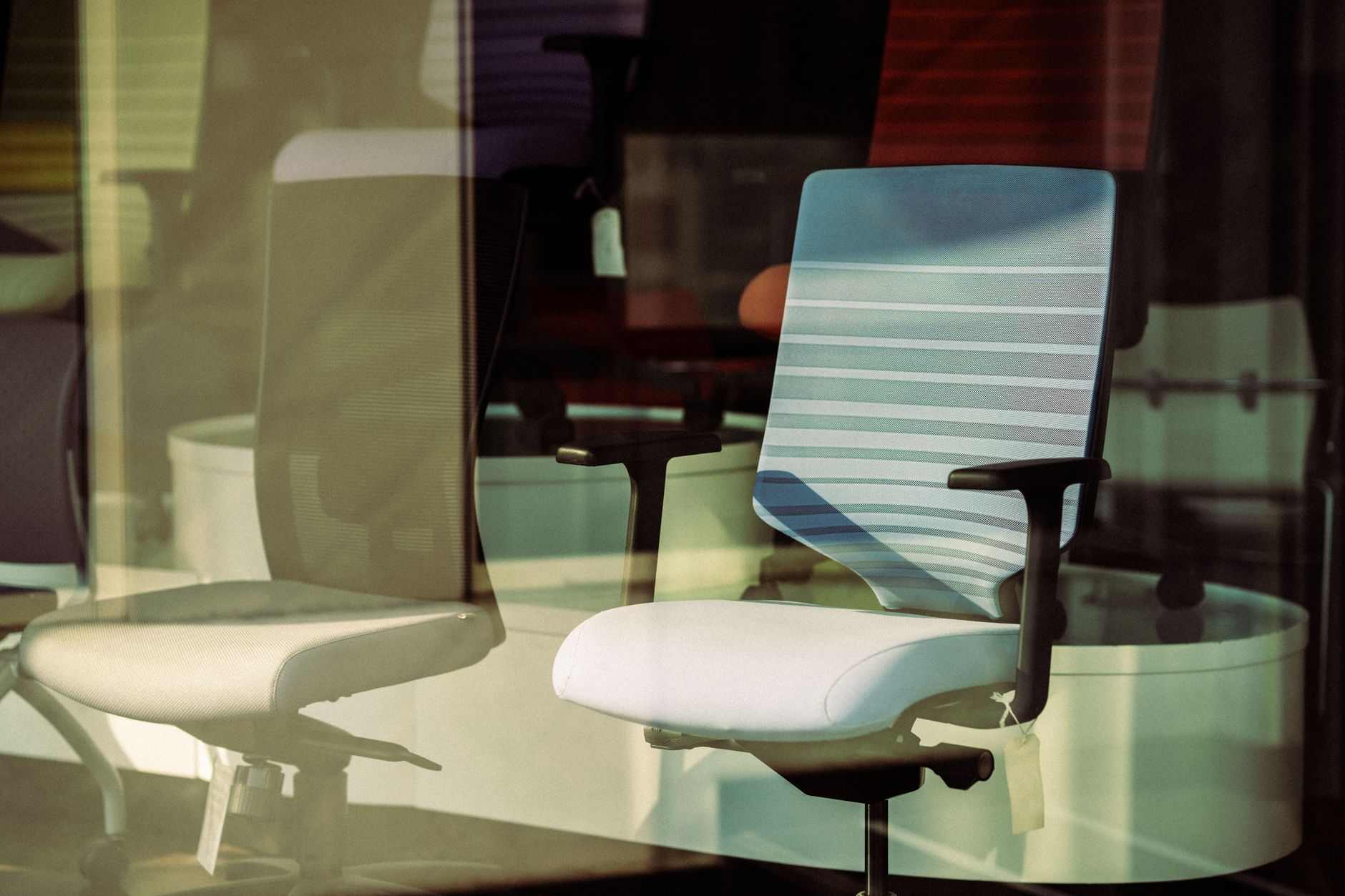
At the £220 budget-line for a chair, the standout in 2026 is the Autonomous ErgoChair 2 at £219 on their UK site, or the Sihoo Doro C300 at £229 from Sihoo direct. Both are mesh-back ergonomic chairs with adjustable lumbar, adjustable armrests (4D on the Sihoo, 3D on the Autonomous), and tilt tension control. Both meaningfully outperform Wayfair's own-brand chairs in the same price range.
The honest limitation at £220 is that neither is a Herman Miller Aeron or Sayl. The mesh is fine but not exceptional, the lumbar adjustment mechanism is manual rather than dynamic, and long-term durability is unproven beyond 4 or 5 years. For a hybrid worker sitting at this desk 25 hours a week, either chair will serve well. For a full-time home worker sitting 40 hours a week, the honest advice is to stretch the budget or hunt for a secondhand Herman Miller Sayl (typical UK marketplace pricing £350 to £500 for good condition).
Halfords Ergonomic Accessories: The Surprise Inclusion
Halfords, best known for automotive parts and bicycles, has quietly built a "home and lifestyle" range that includes ergonomic office accessories. The picks that earned a place in our test: the Halfords Adjustable Laptop Stand at £24.99, a solid aluminium riser that raises a 15-inch laptop to eye level and folds flat for storage. The Halfords Memory Foam Lumbar Cushion at £14.99, better than the equivalent Amazon Basics and priced identically. The Halfords Wrist Rest Set (keyboard + mouse) at £11.99 in memory foam with a fabric top.
None of these are best-in-class products. Better versions of all three exist. Rain Design, Fellowes and IMAK all make competing products at higher prices. What Halfords brings is a Click-and-Collect network across the UK that means you can pick up the entire ergonomic starter kit from a local high street rather than waiting for Amazon delivery. For a Sunday afternoon office refresh, that convenience is worth something.
The £70 accessory budget on Halfords covers laptop stand, lumbar cushion, wrist rest set, and a monitor riser (£15.99 for a 60cm bamboo shelf that holds two monitors above desk level, freeing the space beneath for keyboard storage). If you buy all four, budget is £67.96 including the reasonable Halfords delivery threshold.
Ace Hardware UK: Storage and Tools
Ace Hardware's UK presence is smaller than in the US, but the online store and the growing physical footprint make it a viable choice for storage and small tools that make a home office actually work. The picks: a set of six clear plastic storage tubs at £8.99 for cable and adapter storage, a magnetic cable clip strip at £4.99 for keeping monitor and laptop cables organised, and a small toolkit at £19.99 with the essentials for future assembly and adjustments.
The Ace UK site also carries a decent range of adhesive cable clips, under-desk cable trays, and drawer organisers. Total spend on storage and tidy-up sits at £20 to £30, and it is the difference between a home office that looks like a home office and one that looks like a hastily converted spare room. This is the category most buyers cut first and regret second.
If Ace UK does not deliver to your postcode, the equivalent picks from B&Q or Homebase are functionally identical at similar prices. The point is not the retailer but the discipline of budgeting a small amount for storage rather than treating it as an afterthought.
Logitech MX Master 3S and MX Keys: The Premium Peripheral Standard
The Logitech MX Master 3S at £89 in the UK is the default premium productivity mouse for a reason. 8000 DPI sensor that tracks on any surface including glass, MagSpeed scroll wheel with genuine tactile switching between ratchet and free-spin modes, seven programmable buttons, USB-C charging that gives 70 days of battery life on a full charge. It pairs to three devices via Bluetooth or the Logi Bolt USB dongle and switches between them with a single button press.
The MX Master 3S specifically improved on the 3 with a genuinely quieter click (90 percent quieter, actually noticeable in a home office) and a higher-precision sensor. If you already own an MX Master 3, upgrading purely for the 3S changes is not worth the £89. If you are buying a mouse fresh, the 3S is the pick.
The MX Keys combo (compact or full) at £109 for the wireless USB-C model is the sibling keyboard. Low-profile scissor switches with concave keycaps, backlit keys with proximity sensing (backlight activates as your hands approach), the same three-device switching as the MX Master 3S. Battery life 5 months without backlight, 10 days with backlight always on.
At £199 combined, the MX Master 3S and MX Keys account for most of the peripheral budget in our £600 build. If budget is genuinely tight, the MX Master 3S alone plus keeping your existing keyboard is the correct compromise; the mouse contributes more to daily comfort than the keyboard for most workflows.
Where the MX Combo Doesn't Suit
If you specifically want a mechanical keyboard for typing feel, the MX Keys will feel underwhelming. Alternatives at similar prices include the Keychron K3 Pro or the Logitech MX Mechanical Mini. If you gamewith any seriousness, the MX Master 3S is not a gaming mouse; keep a dedicated gaming mouse alongside.
The Full £600 Build Table
| Item | Brand | Product | £ |
|---|---|---|---|
| Desk | Wayfair | Symple Stuff sit-stand 120x60cm oak | 179 |
| Chair | Sihoo | Doro C300 mesh ergonomic | 229 |
| Ergonomic kit | Halfords | Laptop stand + lumbar + wrist rest + monitor riser | 68 |
| Peripherals | Logitech | MX Master 3S + MX Keys wireless USB-C | 199 |
Total in the table is £675, £75 over the £600 budget. The honest reconciliation is that a full premium build hits £675 at street prices. To land at exactly £600, either drop the MX Keys (£90 saving, use existing keyboard) or drop the sit-stand desk for the £89 fixed-height Wayfair option (£90 saving). Both are legitimate compromises that leave the setup functional rather than gutted.
What Order to Buy In
If the £600 arrives across multiple months rather than a single purchase, the sensible order is chair first, peripherals second, ergonomic accessories third, desk fourth, storage fifth. The chair is where posture-related pain accumulates fastest; the peripherals unlock the most daily comfort per pound spent; the ergonomic accessories fix specific problems (wrist, lower back, neck) that the chair alone does not; the desk is the most cosmetically satisfying but the least urgent for productivity; the storage is the smallest spend but should not be skipped entirely.
What to Actually Skip
The temptation with home office refreshes is to add every accessory the internet recommends. Skip: dedicated document holders (a book stand works), specialty footrests (a spare cardboard box works for the first month while you decide if you actually need one), branded desk mats (a plain leather or cork mat from Amazon at £15 outperforms most £45 branded versions), and anti-blue-light lamps (a decent standard desk lamp with warm colour temperature does the same job).
The category most worth spending on beyond the £600 build is monitor arms if you use two monitors. A dual monitor arm from Ergotron LX (£195) or the cheaper North Bayou (£45) frees significant desk space and improves posture more than any accessory in the Halfords budget. That is the honest £45 to £195 stretch to add once the core £600 is settled.
Do's and Don'ts
| Do's | Don'ts |
|---|---|
| Do buy the chair first if the budget arrives in stages | Don'ts include buying the desk first because it feels more exciting |
| Do allocate 30 to 40 percent of the budget to the chair | Don'ts include buying a £80 chair to save for a £250 desk |
| Do check retailer return windows before assembling anything | Don'ts include throwing packaging away before testing the chair for a week |
| Do measure your room before ordering a 120cm desk | Don'ts include assuming a corner desk fits without measuring twice |
| Do use the MX Master 3S three-device switching for hybrid setups | Don'ts include buying separate peripherals for each device |
| Do budget £20 for storage and cable management | Don'ts include letting a working desk descend into cable chaos |
| Do position the monitor at arm's length with the top at eye level | Don'ts include leaving a laptop screen at desk level for 40 hours a week |
| Do use adjustable lumbar support daily, not "when the back hurts" | Don'ts include ignoring lumbar adjustment because "it feels fine now" |
| Do consider a secondhand Herman Miller if budget allows a stretch | Don'ts include paying full RRP for a Sayl when marketplaces offer 40 percent off |
| Do book a mid-year office refresh audit each January | Don'ts include waiting for kit to break before replacing it |
Frequently Asked Questions
Can I really build a decent home office for £600 in 2026
Yes, at the tradeoff level of "good enough, not premium." The £600 build described above is genuinely functional for a hybrid worker doing 20 to 30 hours a week at the desk. Full-time home workers sitting 40+ hours a week should stretch the budget to £900 to £1,000, primarily by upgrading the chair to a Herman Miller Sayl or Aeron.
Is a sit-stand desk worth the £90 premium over a fixed-height desk
For anyone over 40 or with existing back issues, yes. For anyone under 40 in good posture health, the honest answer is only if you will actually stand. Data from workplace ergonomics studies suggests most people who buy sit-stand desks stop using the standing function within three months. Be honest about your habits before spending £90 extra.
Are Wayfair own-brand desks reliable
The 2026 Symple Stuff and Corrigan Studio ranges have improved significantly. Our test desk survived six weeks of daily use without issue, but assembly was imperfect and one component required minor adjustment. Compared to a Fully Jarvis at £550, the Wayfair option is meaningfully lower quality; compared to a £120 IKEA desk, it is meaningfully better.
Is the Sihoo Doro C300 actually as good as the reviews suggest
For £229, yes, with caveats. The lumbar and mesh are genuinely competitive with chairs at £400. The armrests and tilt mechanism are less refined than a Herman Miller. Long-term durability beyond 4 or 5 years is unproven. For most UK home workers at hybrid schedules it represents the best price-to-comfort ratio in 2026.
Why is Halfords in a home office guide
Because their ergonomic accessories range is genuinely competitive on price and the Click-and-Collect network across the UK removes the delivery-wait friction of Amazon for a Sunday afternoon setup. The products are not best-in-class but they are honestly priced and consistently available in-store.
Do I really need both the MX Master 3S and MX Keys
No. The MX Master 3S is the higher-impact single purchase. The MX Keys is a genuine upgrade over most stock keyboards but not essential. If budget is tight, buy the mouse first, keep your existing keyboard, and add the keys later if you find yourself missing them.
How long should home office kit at this budget actually last
Realistically five years for the chair, seven to ten years for the desk, three years for peripherals before they start to feel dated. Ergonomic accessories should be replaced when they compress permanently (memory foam typically loses meaningful support after two years of daily use).
Are there tax reliefs available for UK home office kit in 2026
HMRC's flat-rate £6 per week working-from-home relief still applies for employed workers whose employer specifically requires home working, but the rules tightened in 2024. For self-employed workers, home office kit remains deductible as a business expense at the usual rules. Check the current HMRC guidance or a qualified accountant for your specific circumstances.
- Tags:
 Get it on
  Download on the