
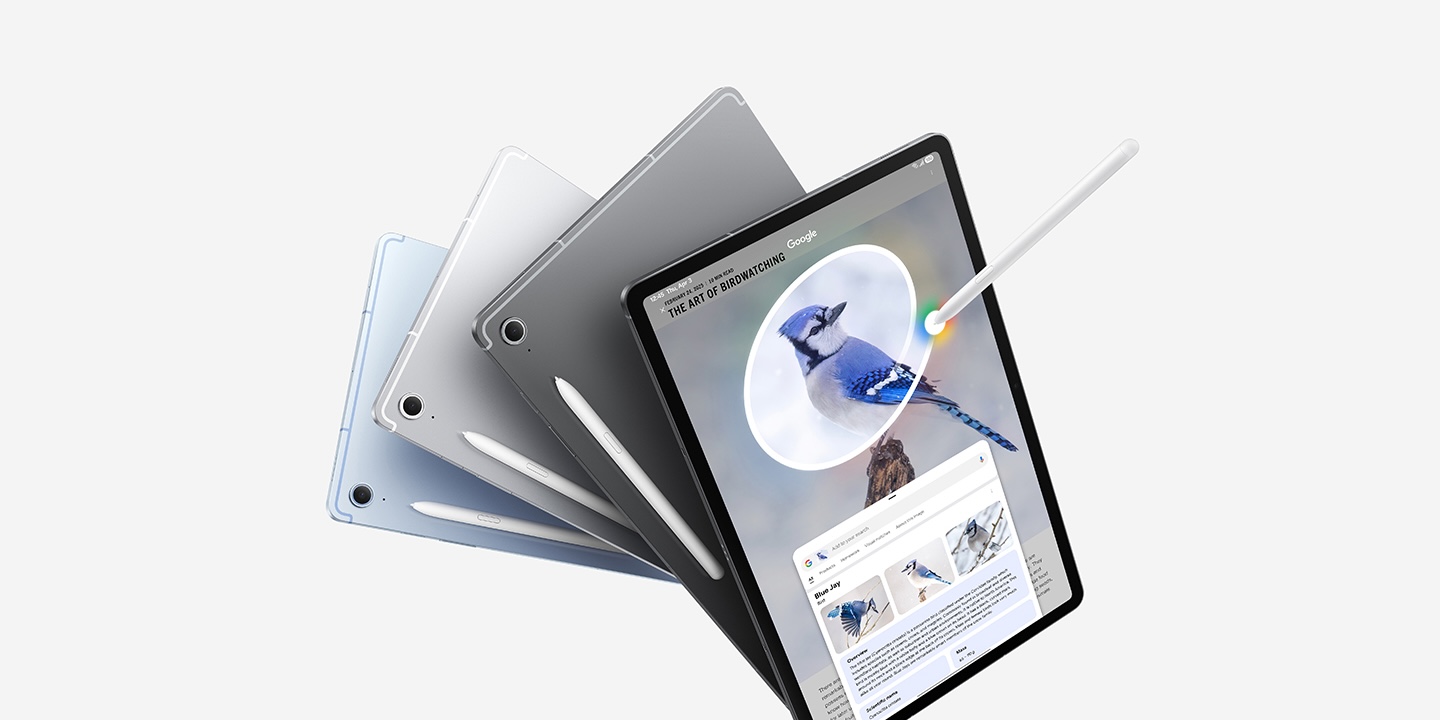
We spotted some solid on Samsung’s mid-range Galaxy Tab S10 FE and FE+ during the Black Friday festivities, some of which are still alive and well down below, but we wanted to specifically highlight the most affordable models this morning – Amazon has now undercut the previous prices Black Friday we featured and is delivering them at up to $200 off the lists.
While the 256GB models are matching the Black Friday deals we featured previously, the more affordable 128GB models have now creeped down even lower with up to $200 in savings to deliver new Amazon low pricing:
- Samsung Galaxy Tab S10 FE 128GB from $325 (Reg. $500)
- Samsung Galaxy Tab S10 FE 256GB from $430 (Reg. $570)
- Galaxy Tab S10 FE+ 128GB $450 (Reg. $650)
- Galaxy Tab S10 FE+ 256GB $570 (Reg. $750)
It is worth mentioning that Samsung has transitioned into is Cyber Week sale on the official site with as much as $350 off these tablets for those with gear to trade in against them. But the straight up cash deals coming directly from Samsung aren’t quite as notable as we are seeing from Amazon right now.
All of that said, if you’re into the market for a new Galaxy phone or the Galaxy Watch 8, you will want to visit this morning’s feature on the official Cyber Week sale – there are some seriously deep deals as well as some details on how to drop prices even lower than that.
Galaxy Tab S10 FE+ features:
- UNWIND WITH A BIGGER SCREEN: Enjoy more downtime on a large 13.1” screen,¹ whether you’re shopping online, unwinding with cat videos or playing your favorite word game. Plus, dual speakers make everything sound amazing.
- CIRCLE ANYTHING. SEARCH EVERYTHING: With Galaxy Tab S10 FE+, you can simply circle anything on your screen to easily get search results on the spot using Circle to Search with Google.²
- HANDWRITING ASSIST MAKES YOUR UNTIDY NOTES NEAT: Tidy up your handwritten notes with Handwriting Assist.³ It easily straightens, aligns and adjusts the spacing of your words to create neater notes.
- DOES THE MATH FOR YOU: Make the grades using Math Solver.⁴ Simply use your S Pen to write out an equation on your screen. Math Solver can clean up your equations by turning them into text, just like that.


FTC: We use income earning auto affiliate links. More.





Comments