
This offer has expired!
Be sure to follow us on Twitter for the latest deals and more. Sign-up for our newsletters and have our best offers delivered to your inbox daily.
A reliable docking station can drastically improve your workflow and elevate your workstation, especially if you’re using a laptop as your main machine with limited ports. There are plenty of docking stations on the market from various manufacturers, and we’re taking a closer look at one of the latest and most feature-packed options today from Baseus – the NU1 Air Spacemate 12-port docking station. It’s been front and center on my desk for the past few weeks, simplifying my setup and improving my daily workflow. This one definitely deserves a spot on your shortlist if you’re in the market for a new dock, and here’s everything you need to know before adding it to your setup.

You’re reading Tested with gadgetnewsonline, where we explore everyday tech essentials that make life a bit easier. Browse through our entire guide for all of the latest reviews, and sound off in the comments below if there’s something you’d like to see featured.
Hands-on: Baseus 2025 model NU1 Air Spacemate 12-in-1 USB-C docking station
Baseus’ official Amazon storefront is offering its NU1 Spacemate 12-in-1 USB-C docking station for $129.99 shipped right now for Prime members. That’s $70 less than its usual going rate of $200, making this relatively more affordable than other options on the market. The brand has a bunch of docks in its Spacemate lineup, though this is the newest one.
Features at a glance:
- 12-in-1 dock for expanding your port selection
- Dual display expansion for macOS
- Wide compatibility with Windows, macOS, and Linux.
- Compact form factor to fit in your hand
- Built-in 2.6-foot braided USB-C cable
- Dedicated button at the top for system lock

gadgetnewsonline’ Take
Coming from a smaller 6-in-1 UGREEN Uno USB-C hub, the Baseus NU1 Air Spacemate instantly felt like a major upgrade to me thanks to its expanded connectivity. The port selection is definitely a highlight of this model, and it would really come in handy if you constantly find yourself running out of ports to plug in all your essential accessories. Here’s a quick breakdown of the ports you get on this new Baseus dock.
- 2x HDMI
- 2x DisplayPort
- 100W power input USB-C port
- 2x 10Gb/s USB-C data port
- 2x 5Gb/s USB-A data port
- 2x 480Mb/s USB-A data port
- 1Gb/s Ethernet
- A built-in 2.5-foot braided USB-C cable
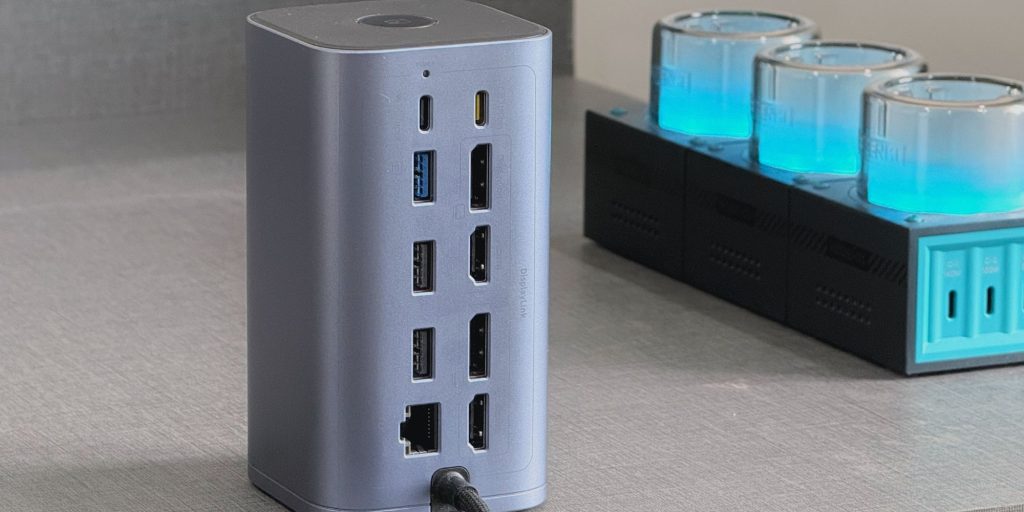
This dock handles both modern and older peripherals, so everything from external monitors, cameras, and fast SSDs to keyboards, printers, and wired Ethernet is covered. The real highlight, though, is that it connects to your laptop using just a single USB-C cable. The only notable omission is an SD card reader, which could be a downside for some users. It wasn’t a deal-breaker for me since I transfer photos and videos wirelessly from my camera to my iPhone, but I can definitely see this being a problem for creatives who rely on memory cards. It’s also worth mentioning that the dock doesn’t include a USB-C charger in the box like some do, though you can simply use the same one you already use for your laptop.
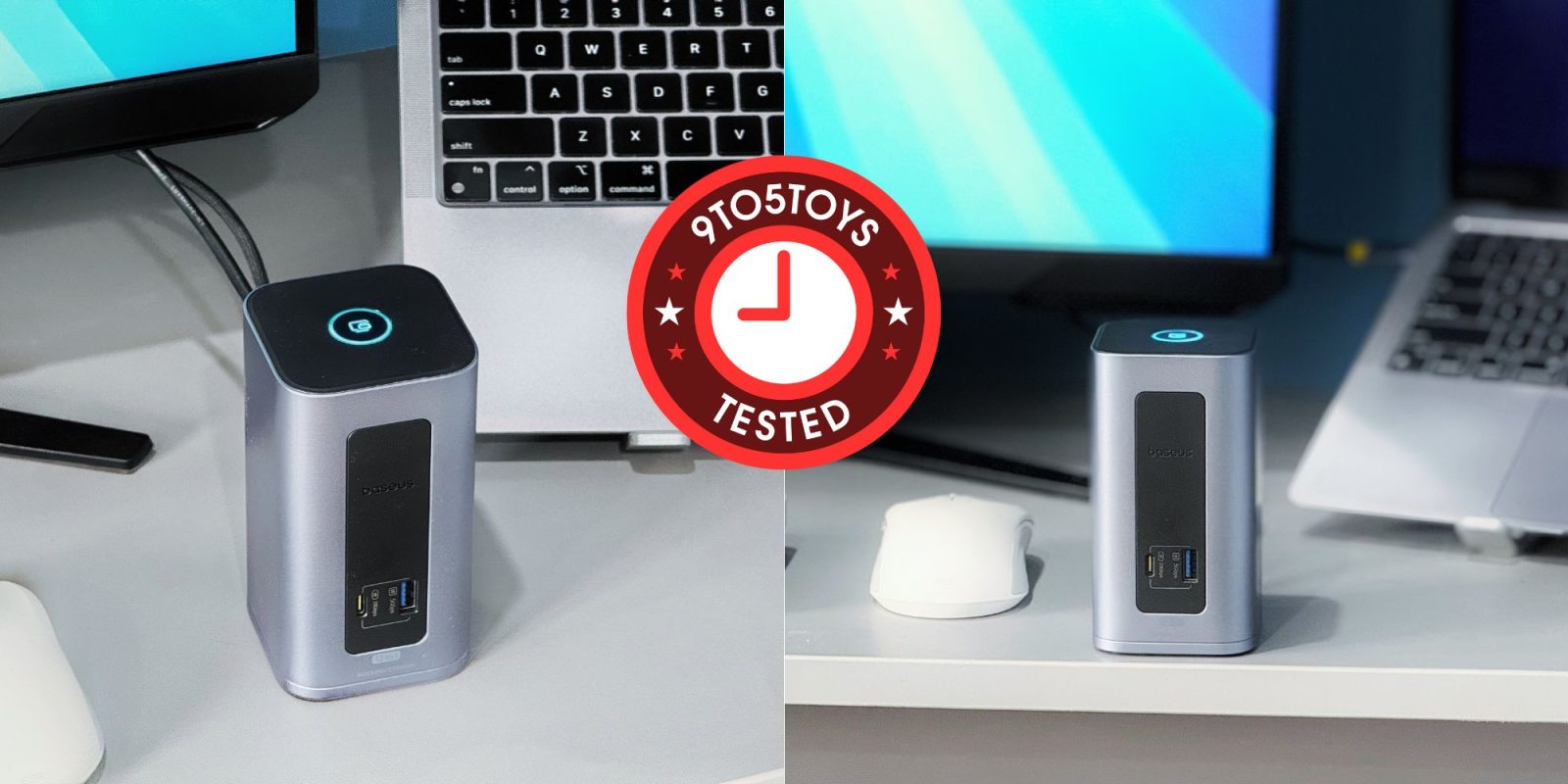
The overall fit and finish of the NUI1 Air Spacemate feels premium, and its sleek space gray shell will perfectly pair with any Mac setup. Its vertical design also ensures it doesn’t take up too much space on your desk. One neat touch is the button on top – press it once to lock your MacBook, or press and hold to activate energy-saving mode. This isn’t new to this particular model, as other Baseus docking stations have had them too, but I’m glad to see it retained here as a convenient feature.

As for the usability, the Baseus Nomos NU1 Air Spacemate is aimed at users who rely on multiple displays for multitasking or handling heavy data workflows. Thanks to built-in DisplayLink support, it can drive two external monitors with independent content on macOS – something many Mac docks still can’t do. That means you can choose whether to extend your desktop or mirror your screen, giving you flexibility based on your setup. It is, however, worth pointing out that both HDMI and DisplayPort outputs max out at 4K 60Hz, with no high refresh rate support. I tested it with my Samsung Odyssey QHD 165Hz monitor, and the output was indeed capped at 60Hz. Still, dual-monitor support is a big win, so you can expect up to 3840 × 2160 on a single display, or 2560 × 1440 on each when using two monitors.
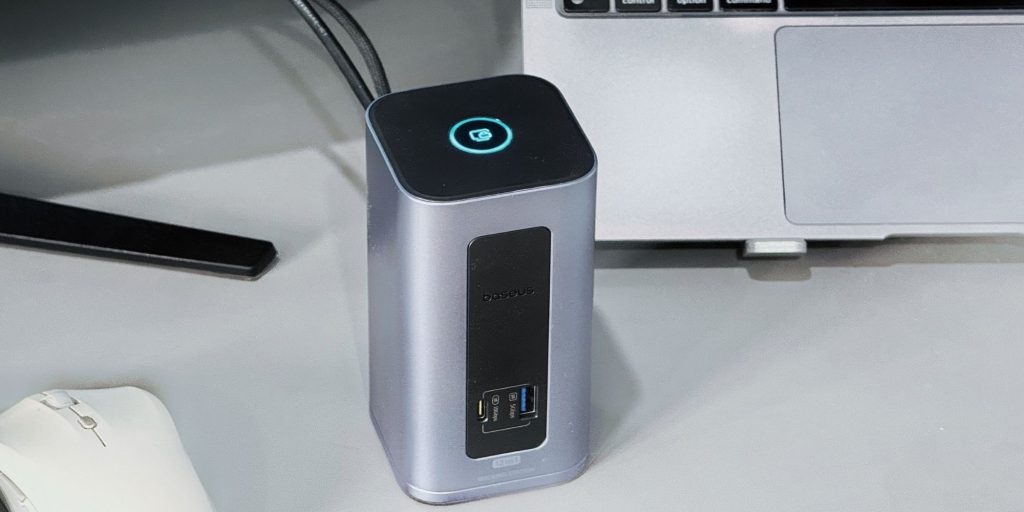
All things considered, it’s safe to say that this 2025 model Baseus Nomos NU1 Air Spacemate is a pretty solid dock. The biggest win is that it can run two external monitors on a Mac with different content on each screen at a resonable price compared to many other pricier options. The included ports are fast, and the button on top for locking your Mac or saving power is actually pretty handy and something I find myself using all the time now.
It’s not without its flaws, though, and the lack of Thunderbolt and an SD card slot will definitely be a downside for some. Similarly, the 60Hz limit might disappoint anyone used to high refresh rate monitors. But if your main goal is to add more ports, keep your setup clean, and run two external displays without overspending, this dock does the job really well.
Buy Baseus Nomos NU1 Air Spacemate 12-in-1 docking station


FTC: We use income earning auto affiliate links. More.



Comments