
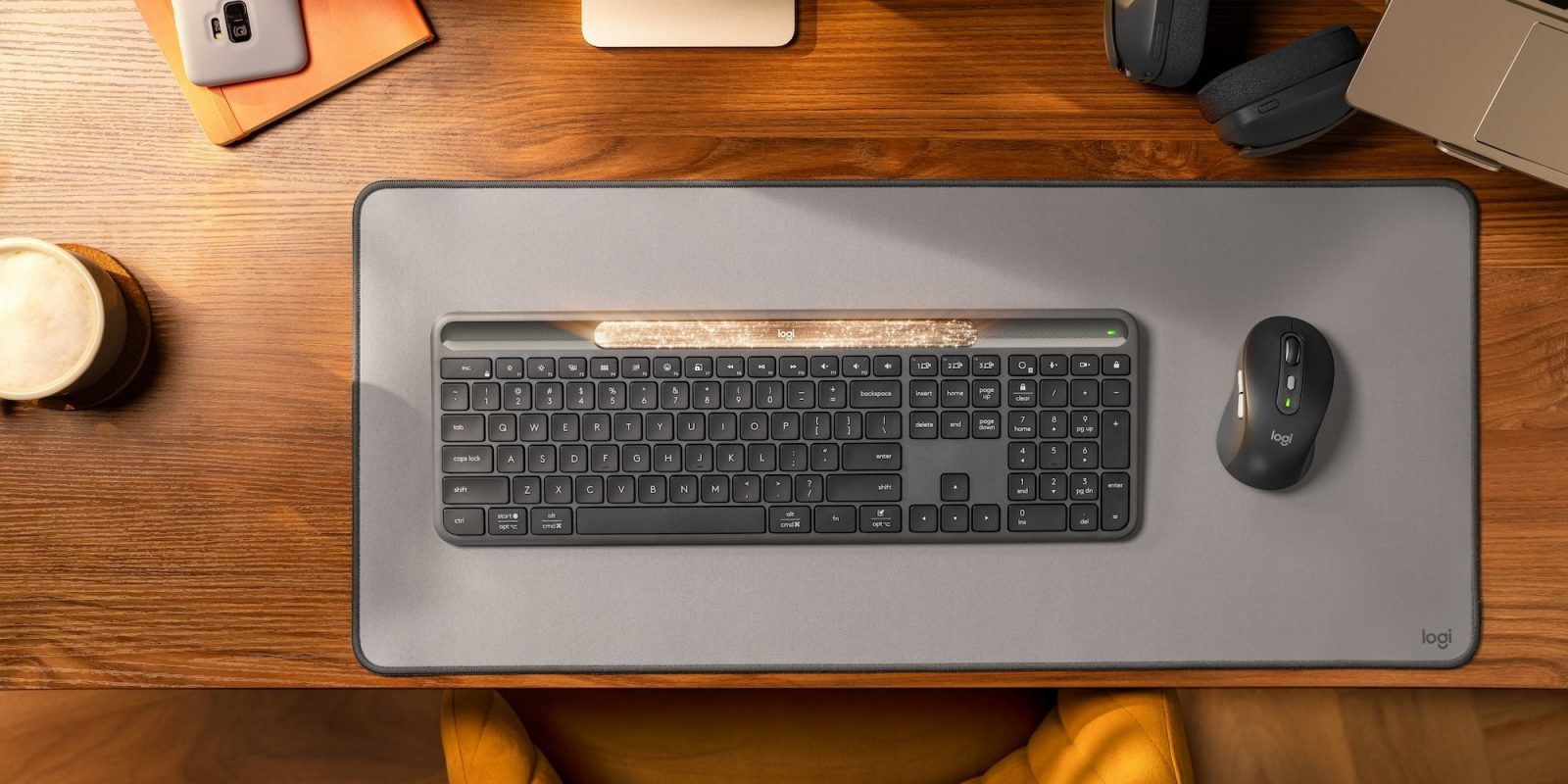
Logitech is debuting its new Signature Slim Solar+ K980 Keyboard today. Yes it is a solar keyboard, but it’s not quite like any other solar keyboard I have ever used. You never need to charge this one – just the ambient light in your space, natural or otherwise, will keep it juiced indefinitely.
New Logitech Signature Slim Solar+ K980 Keyboard
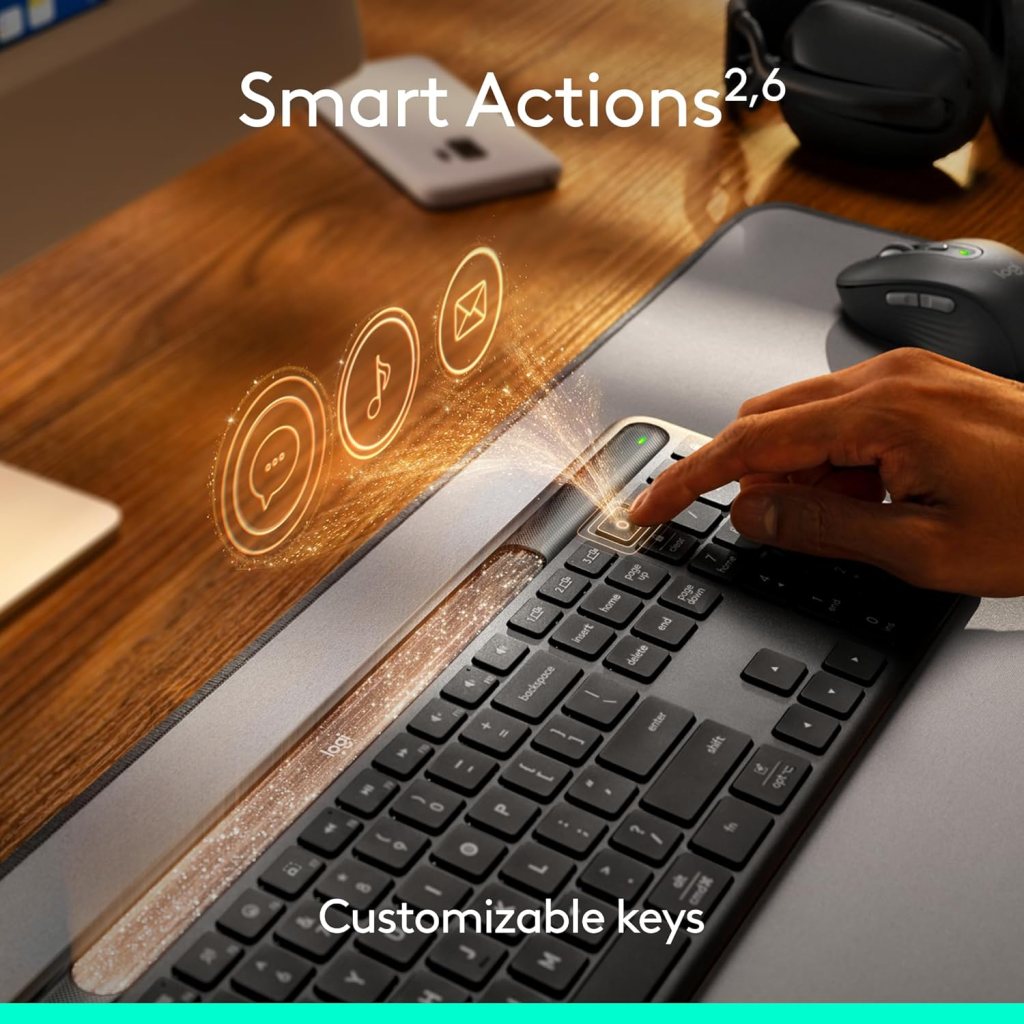
It’s got all the Logi Options+ app customization – you can set Smart Action to automate various tasks – as well as the multi-device/multi-OS switching at the touch of button Logitech was already particularly great at on previously-released models, but the real thing here, the real selling point of the new Signature Slim Solar+ K980, is Logi LightCharge.
Logi LightCharge is the proprietary tech that powers the keyboard – think next-generation solar charging that requires little to no light at all, especially once it’s charged up – this is a keyboard you basically never need to charge providing it’s being used in a room with some ambient light from a lamp and the glow of your screen. It doesn’t need real sunlight, you never need to plug a USB-C cable into it, and there’s none of that messy wireless charging action we have seen on other keyboards. It just works, and wonderfully at that.
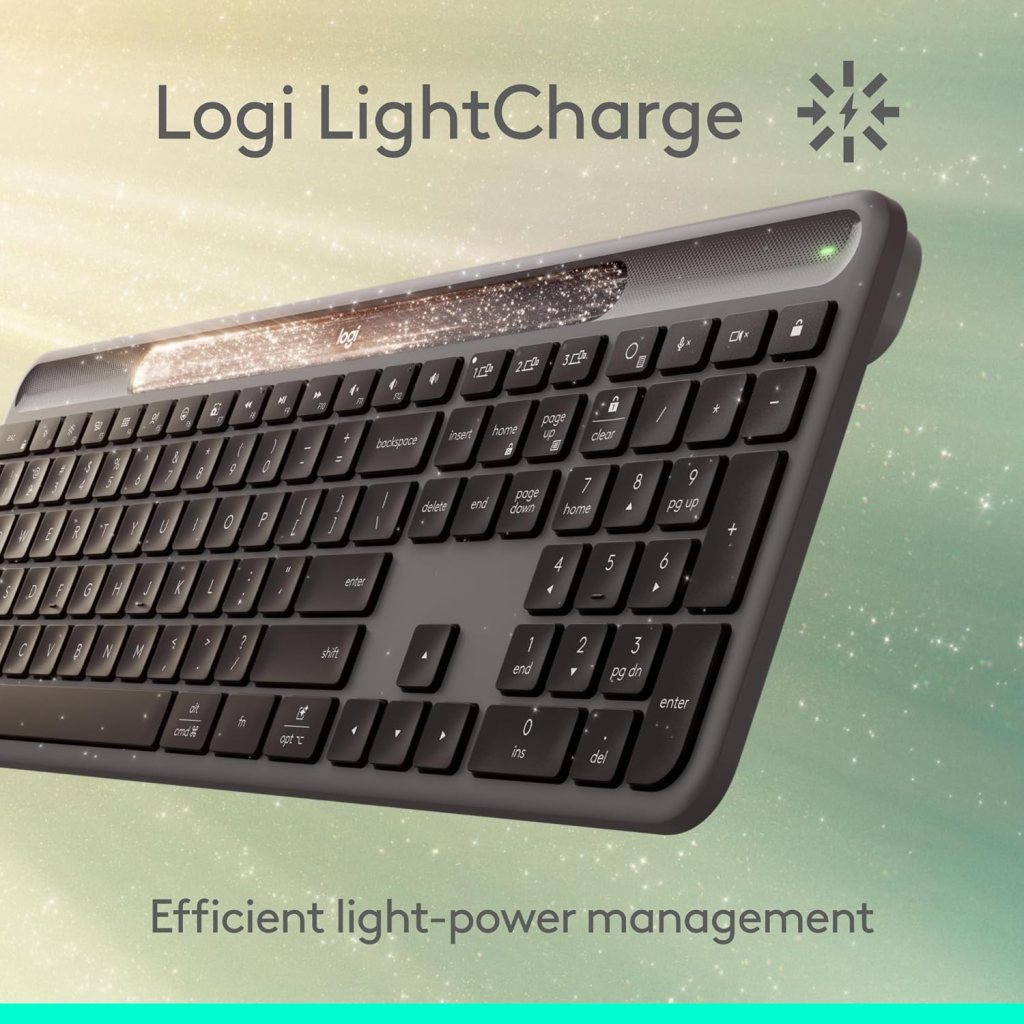
Once the battery is at 100%, which it has been every day, all day no matter how much I use it thus far, this keyboard will work for up to 4 months in total darkness, according to Logitech. And at this rate, I tend to believe it.
Logi LightCharge technology [is] a unique power system that combines a light-absorbing strip, a long-lasting battery built to last up to 10 years, and energy-efficient design for reliable, cable-free use.
Features at a glance:
- Powered by Logi LightCharge
- Works for up to 4 months in total darkness once fully charged
- Full-size layout with number pad
- Laptop-style typing experience
- Multi-OS printed layout (Windows/macOS/ChromeOS)
- Easy-Switch keys (connect and type on up to 3 devices)
- Customizable Action Key
- Fully customizable row of F-Keys
- Supported by Logi Options+ App on Windows and macOS
- Supported by Logi Tune and Logitech Sync for IT management
- Compatible with Logitech Flow when paired with supported mouse
- Durable battery with up to 10-year lifespan
- On/off power switch
The new Logitech Signature Slim Solar+ K980 Keyboard starts at $99.99 and is now available at Amazon and directly from Logitech. It works on Windows, macOS, Chrome OS, Linux , iPadOS, iOS and Android OS – you can switch between up to three devices instantly at the touch of a button on the keyboard.
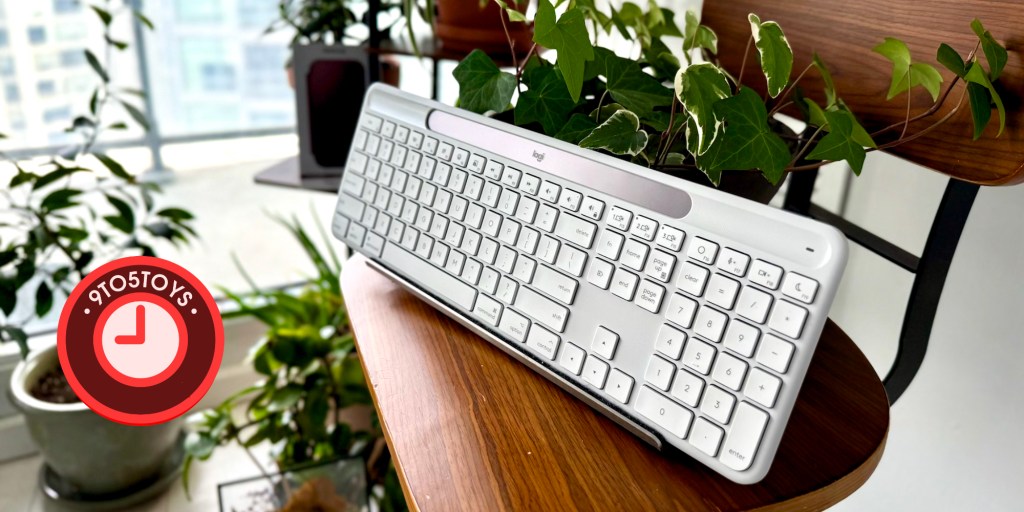


Build quality and typing experience
I can’t help but directly compare this keyboard to the brand’s Logitech MX Keys S – it is, as far as I’m concerned, one of the best out there.
Anyone who has used one of the brand’s more entry-level keyboards in the past will have a general idea of what they are in for. The whole thing feels like a slightly better build than those and not quite as high-end as the Logitech MX Keys S for Mac I use everyday.

That said, and while the Slim Solar+ doesn’t feel quite as premium under my finger tips, the typing experience is a great one, and one that didn’t take much more than a minute or two get used to after using the Logitech MX Keys S everyday straight for over a year. It has a more matte finish on the key themselves and it doesn’t have the sort of slight divots on the keys like the Logitech MX Keys S, but it is a solid typing experience for me. There’s a slightly more weighty “clack” to the keys by comparison to the more gentle and higher-pitched tone on the MX Keys S, and one of that I have come to appreciate after putting some solid hours on it.
By and large, it’s clearly not quite as premium feeling (or looking) as Logitech’s premium keyboards, but that is to be expected, and it hits above its pay-grade in the typing department as far as I’m concerned.
Putting that solar panel to use
Well, battery life is theoretically infinite here. Unless you are using it a dark cave somewhere underground with zero natural or ambient light, and even then the screen of the device your typing on will likely keep it juiced up.
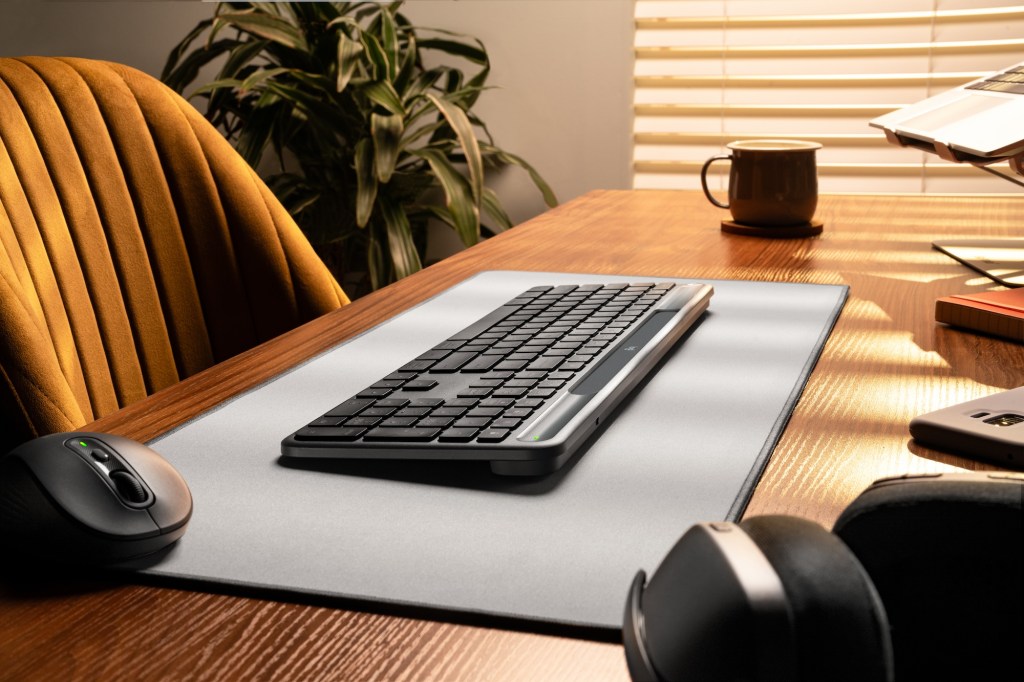
With Logitech’s next-generation solar panel in place along the top of the keyboard, one that also happens to be much nicer-looking and far more elegant than the older models, the keyboard charges itself automatically, always.
It does not need natural sunlight, just any light at all, to remain charged. That includes light from the lamp in your room, or even typical overhead, in-ceiling lighting as well.
It was at 100% battery life the day I opened it earlier this month and has remained at 100% the entire time.
The room I have it in isn’t particularly dim. It isn’t some dark dungeon basement space, but it also isn’t a brightly lit room either. The shades are always down save for a foot or two near the floor to allow some light to come into the space. I largely rely on a floor lamp about 5 feet away from my desk and the keyboard to illuminate my work space where the keyboard has been in full use for over a week now. There is also never any traditional overhead lighting here – just the lamp and a slight bit of sunlight (when there is some anyway) coming into the room near the floor on one side. Some days, there isn’t even a lamp on in the room at all.
The keyboard is still at 100% battery life and hasn’t moved once. Nice.
So far, this truly is a keyboard that never needs to be charged. Not one of those old solar keyboards or pieces of tech that actually needs some direct sunlight to keep it juiced up. It’s just always powered up and ready to go with no ugly cables dangling about at the ready to juice up the keyboard overnight. Nothing. So far we are talking just infinite battery life and a keyboard that’s just always ready to go.
gadgetnewsonline’ Take
All told, the real question here is this: Is the Slim Solar+ Keyboard enough for me to switch from the brand’s higher-end models? And is it worth considering for folks who might be using other keyboards?
Well, like any piece of tech you use everyday, especially something like a mouse or keyboard that, for many of us, has become an extension of our being, it might take some time to get used to – but it certainly doesn’t take any time at all to get used to the idea that you never to need to charge this thing. That is simply brilliant.
Now you might not get the fancy backlit action, but this solar setup has been so good so far it makes me wonder why anyone wouldn’t want to at least try this, or even force their finger tips to love it. It makes me wonder why every PC and Mac accessory brand isn’t already investing heavily into this kind of tech. Maybe they are? Why isn’t Apple pouring gazilions into a Magic Keyboard you never need to charge like this? It doesn’t have power hungry RGB action to worry about – maybe they are just still trying to figure out how to make keys that actually work properly/feel right?
Sure, folks who need the fancy RGB action for their gaming rigs might not be interested here, but that’s also not the point of the Solar+. And it’s not quite as high-end feeling or looking as the brand’s MX series for me. But if you’re just trying to get some work done in the most convenient and enjoyable way possible, or browse the web on an ultra-clean desktop free of messy cables and the like, I don’t see how this keyboard wouldn’t, at the very least, be a consideration.


FTC: We use income earning auto affiliate links. More.





Comments