
This offer has expired!
Be sure to follow us on Twitter for the latest deals and more. Sign-up for our newsletters and have our best offers delivered to your inbox daily.
It’s that time of year when we start loads of notable MacBook deals for the back to school season, and 2025 is no exception. While the MacBook Pro deals are in full swing now with up to $300 off M4 MacBook Pro entry-level configurations as well as the M4 Pro models, the more affordable MacBook Air variants also tend to be the more popular solutions for folks heading back to class or otherwise, and there are some notable deals up for grabs on the latest 2025 M4 models alongside even more affordable sale pricing on previous-generation machines for those who don’t need the latest and greatest.
While for myself, and many others, it can be difficult to lay the cash down for a previous-generation machine, especially when the new M4 MacBook Air is starting at $799 with a $200 discount in all four colors, there are ways to save even more cash than that, and still score a more than capable MacBook Air right now.
Let’s quickly rundown the best deals prices on machines we might actually consider ourselves by way of some trusted and reputable dealers:
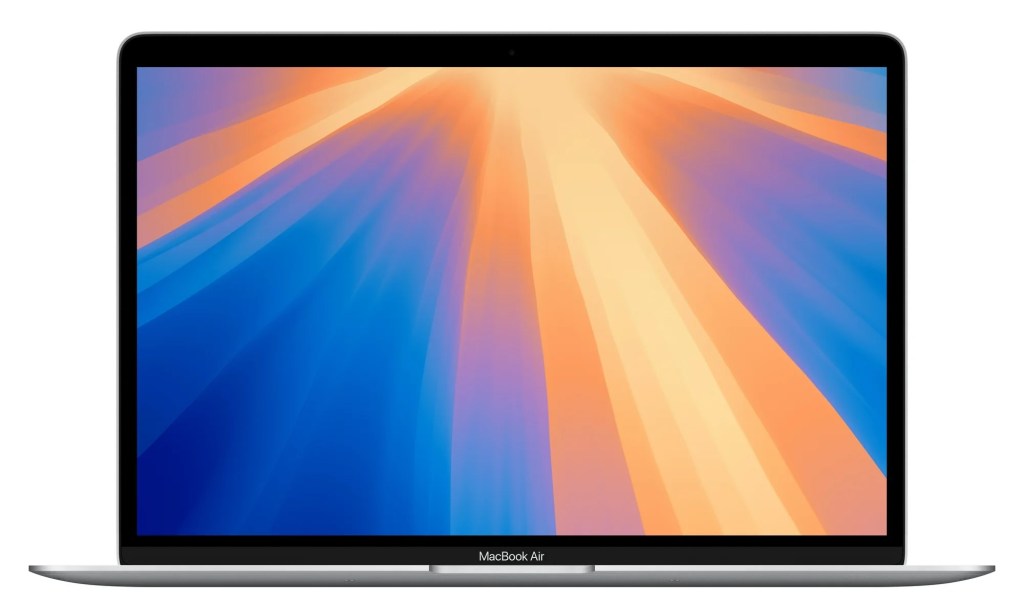
First of all, let’s talk about the M1. This is clearly a much older machine that released way back in 2020 and it only has 8GB of RAM. It, of course, also carries the M1 chip – the least powerful of the bunch.
These days I tend to stray away from recommending any MacBook with less than 16GB – Apple no longer offers machines with that little memory anymore for a reason.
And of the three machines on our list here today, it is the one that looks the most dated – when it comes to the M2, M3, and M4 MacBook Air models, they mostly look the same at glance, but this isn’t the case with the M1 machine.
With all of that said, I would only recommend this machine for the most budget-conscious and casual of users. If you’re just looking for an Apple laptop that isn’t completely ancient so you can get some work done for classes – light web browsing, email, and word processing – it will get the job done, even if it isn’t the fastest and most powerful option out there.
But if you need it do anything more than that. I would try to invest that $599 into one of the more powerful and modern machines instead. The M1 is going to feel dated sooner than not, if doesn’t already in the imagery in this post.
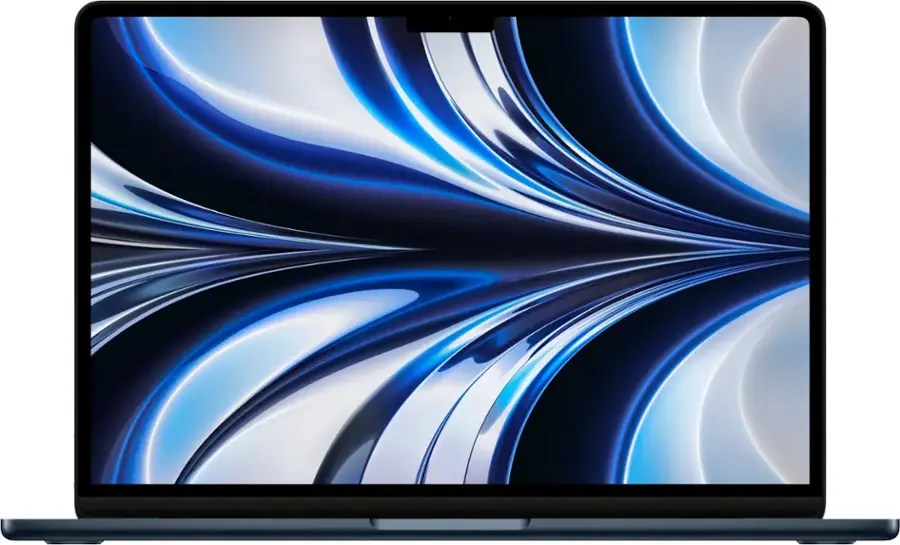
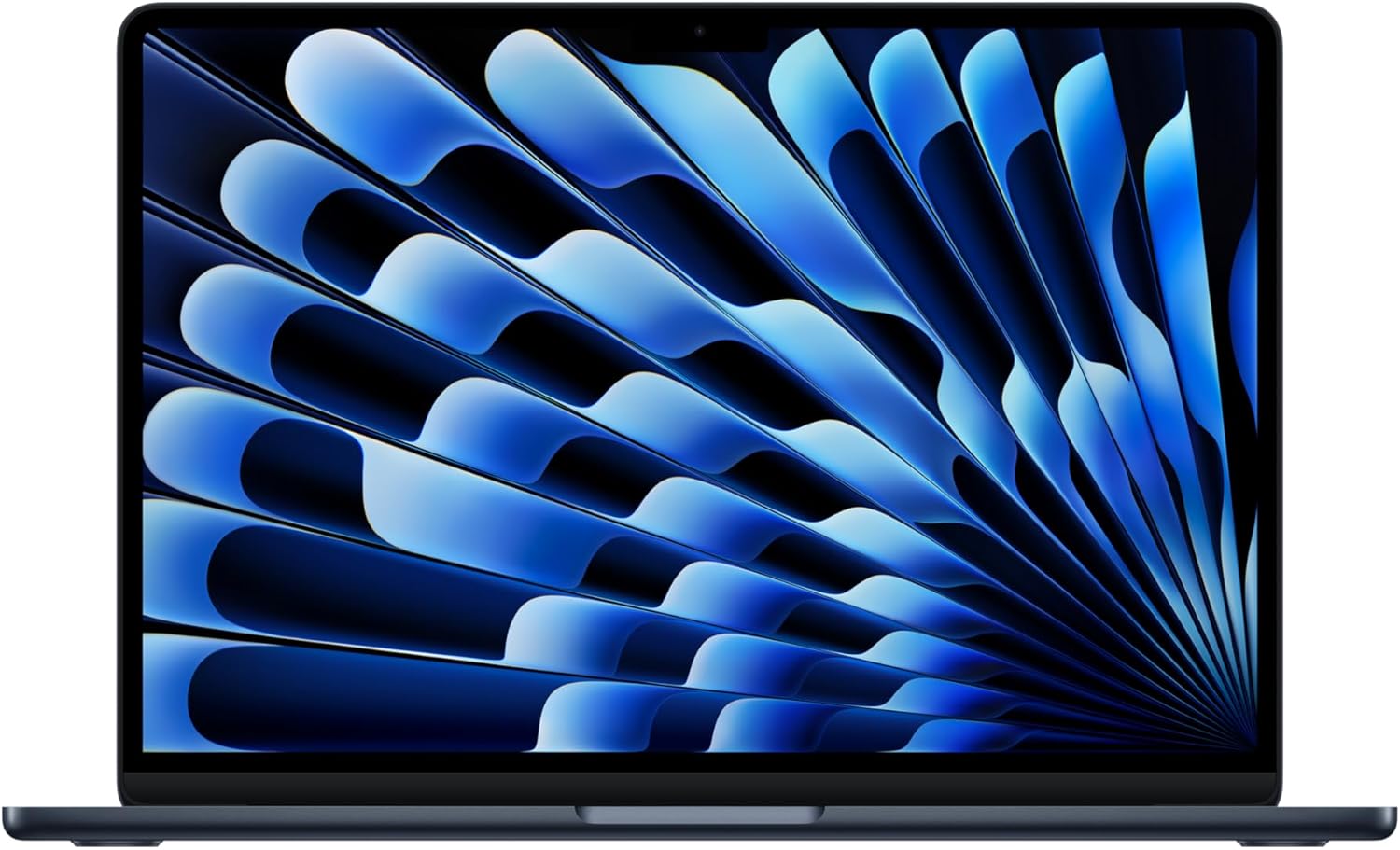
M2 vs. M4 MacBook Air
Okay, but where’s the M3? Well, it is out there, but the price difference between it and the M4 is so negligible in most cases that’s it not really worth considering. There are notable deals here and there, but they are rarely low enough to consider over the brand new 2025 M4 at $200 off.
With that said, the main question we have left to answer is whether or not the $100 in savings on the M2 machine is worth it?
Our M4 MacBook Air vs M2 MacBook Air feature certainly provides the answers you’re likely looking for – the M4 is a faster chip, the M4 has a solid 12MP Center Stage Camera upgrade, and it can support up to two external displays with the lid open (the M2 can only handle one).
For our purposes here today, both of the machines on sale have 16GB of RAM, so that point of contention is mostly moot.
Here are some other differences that may or may not be of concern for you:
- Better mics with voice isolation on the M4
- Wi-Fi 6E support on the M4
- New Sky Blue colorway and fingerprint-resistant coating on the Midnight black colorway
With all of that out in the Air, I personally feel it really comes down to what you’ll be using the machine for.
Do I really think the $100 is a big enough difference to side step the M4 machine for the older M2? Not really, but $100 is still $100 no matter how you look at it and if that’s the difference between getting your new MacBook Air or not, then the M2 is just fine.
I would also add that if all you’re doing is browsing the web, getting some school work done, jumping on some video chats, and, what you might call the “usual stuff,” you might not even notice much of a difference between the M2 and M4 MacBook Air.
But even still, I would rather save up the extra $100 and grab a machine that comes with the peace of mind that it just released this year, will likely carry support from Apple for longer, and remain relevant when it comes to new features Apple may or may not release in the future for longer than the M2.


FTC: We use income earning auto affiliate links. More.




Comments