

This offer has expired!
Be sure to follow us on Twitter for the latest deals and more. Sign-up for our newsletters and have our best offers delivered to your inbox daily.
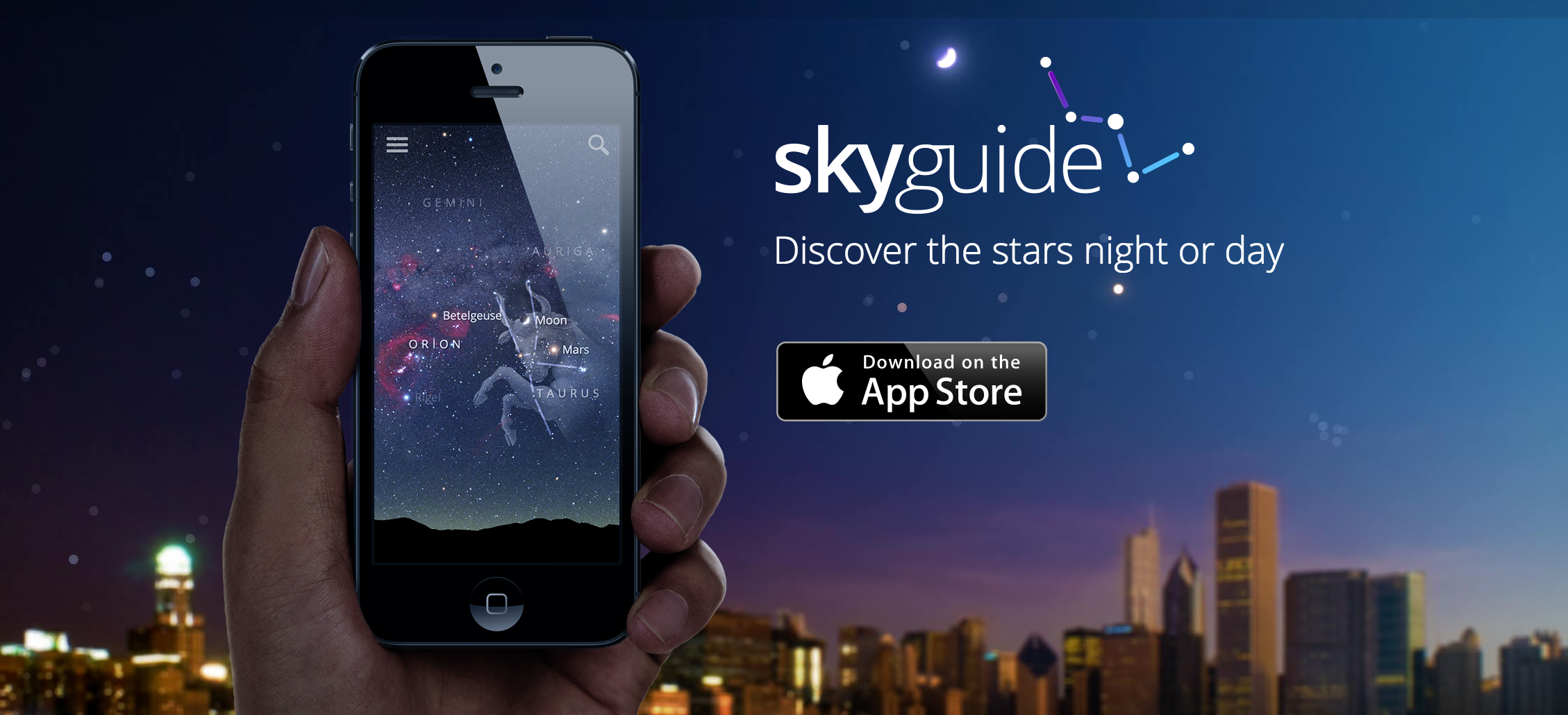
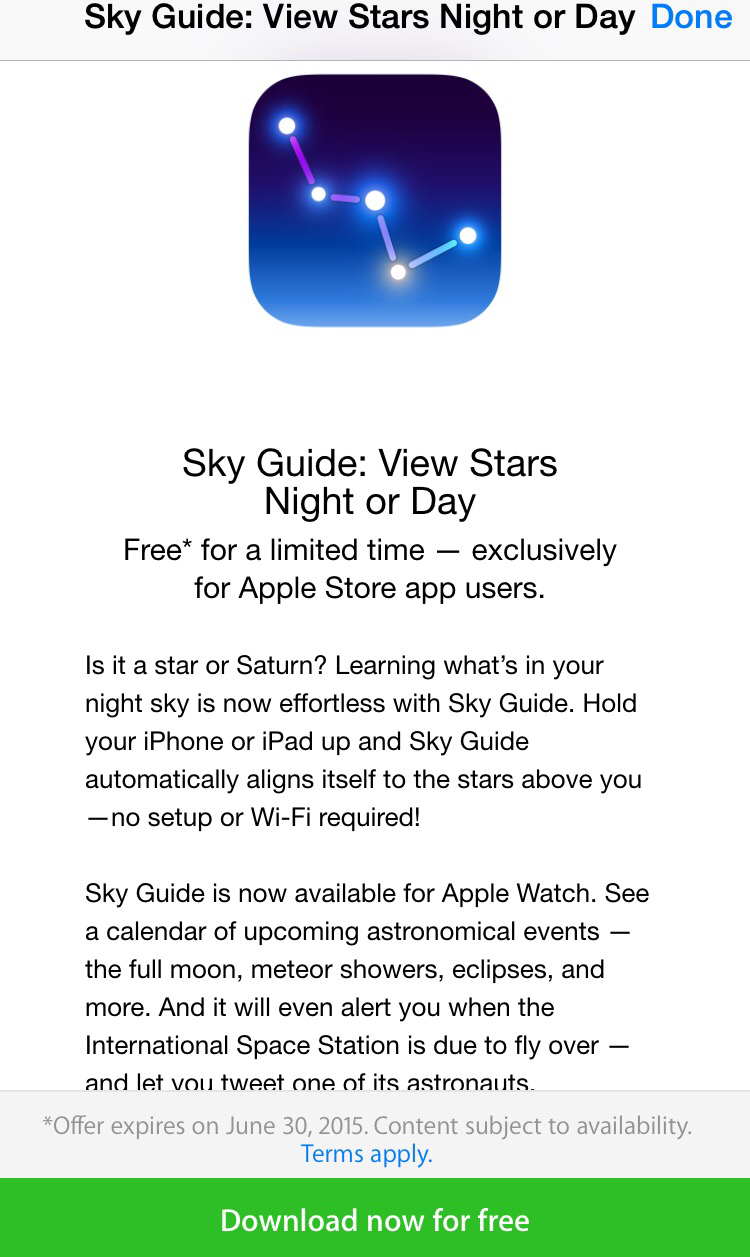
You can get Sky Guide: View Stars Night or Day on iPhone, iPad or iPod touch for free inside the Apple Store app for iPhone (US only). Regularly going for $1.99, the interactive star and constellation guide app has never been offered for free on the App Store. Along with support for Apple Watch, it sits with a 5 star rating from well over 11,000 reviewers. It will be available for free from now until June 30th.
Just so we are clear here, this is not available in the App Store itself, but rather inside of the free Apple Store app for iPhone. You’ll find a complete set of instructions below:

Instructions:
- Download and open Apple Store app for iPhone
- Tap on the ‘Stores’ option on the bottom horizontal menu bar
- Scroll down
- Swipe the ‘schedule a try-on appointment’ to the left (swipe twice)
- Tap on the Sky Guide: View Stars Night or Day icon
- Tap on the ‘download now for free’ green banner at the bottom


FTC: We use income earning auto affiliate links. More.




It is NOT working.
The offer has expired. Post has been updated. Sorry!
i Just check the app and says $1.99
Make sure you read through the entire post. You’ll only get the app for free if you go through the Apple Store App (US only).
You have to download the “Apple Store” APP first then follow the instructions and in there you will get a code to download that app for free.
If you just search for Sky Guide in the App store directly then you’ll have to pay full price for the app.
Exactly. Thanks for helping us clarify.